




How to extract audio from a Pinterest video
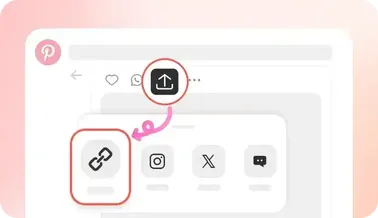
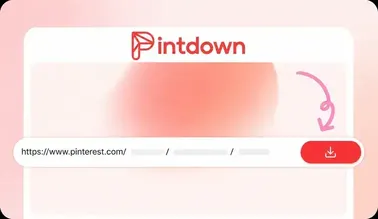
Copy a public Pinterest video pin URL. Open pintdown.site/mp3, paste the link, and run Extract Audio. When analysis finishes, download the MP3 to your device. Image-only pins and silent videos cannot produce an audio file.
When MP3 conversion works best
Music clips, spoken tutorials, and podcast-style pins convert cleanly when Pinterest hosts a video stream with a soundtrack. Use this tool when you need audio only—for practice, reference listening, or offline playback without the full video file.
Quality, privacy, and limits
Downloads target 192kbps when the source has audio. PintDown does not ask for your Pinterest password, and temporary conversion files are removed after the transfer. Private, deleted, or muted pins will fail—switch to a public video pin with sound and retry.
Related guides
More help for audio and video workflows: