
Guides
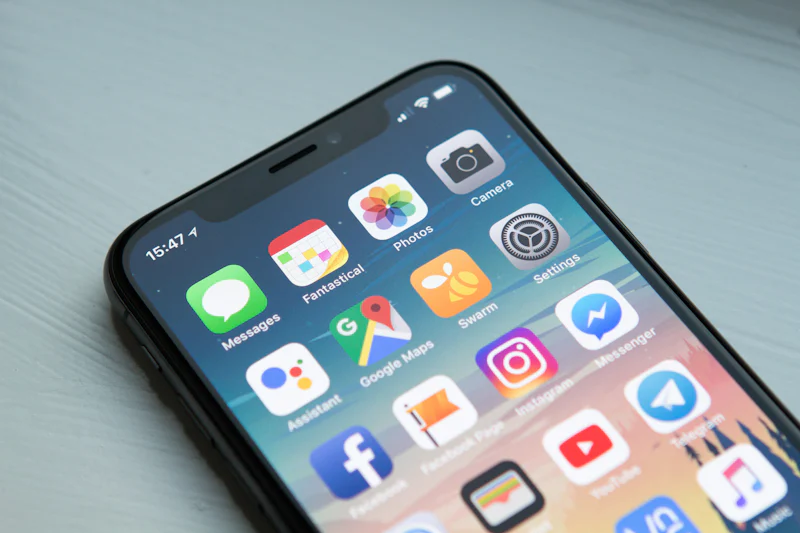
How to Download Pinterest Video on iPhone
Step-by-step guide to saving public Pinterest videos to your iPhone Photos library with PintDown—no app install and no Pinterest login.
N
Numan Ajmal
Jul 4, 2026

Practical walkthroughs for saving public Pinterest video, images, GIFs, board ZIPs, and MP3 audio.
Direct answer
The PintDown blog publishes practical guides for downloading public Pinterest videos, images, GIFs, boards, and MP3 audio. Each article answers a specific device or format question, links back to the matching tool, and states real limits such as public-only pins and selective ZIP caps.
Every published PintDown guide with a short summary. Use the filters below to narrow the card grid.
Every article on the PintDown blog is written to solve a real download problem, not to fill space. You will find detailed walkthroughs for saving each media type, device-specific instructions for iPhone, Android, and desktop, clear explanations of copyright and fair-use rules so you stay on the right side of the law, and announcements whenever we add a new feature to the tool. Each guide is tested against the current Pinterest interface so the steps actually work when you follow them.
Whether you are a designer collecting references, a creator backing up your own pins, or just someone trying to save a recipe for later, the blog is built to be practical and jargon-free. We assume no technical background, walk through each step in order, and point out the common mistakes that cause downloads to fail. If a guide ever goes out of date because Pinterest changes something, that is exactly the kind of thing we update or write a new post about.
Start with the earliest guides in the blog list—device video saves, “download not working,” board ZIP, MP3 extract, GIF vs MP4, and saving images to your phone. Featured here points at those existing posts; it does not invent separate rankings or unpublished articles.
Our blog
Download guides, step-by-step tutorials, and tips for saving Pinterest content in original quality.
Popular: · ·
Guides
Step-by-step guide to saving public Pinterest videos to your iPhone Photos library with PintDown—no app install and no Pinterest login.
Numan Ajmal
Jul 4, 2026

Guides
Save public Pinterest videos to your Android Downloads or Gallery folder using Chrome and PintDown—no APK and no account required.
Numan Ajmal
Jul 24, 2026

Tips
When a Pinterest video will not analyze or download, check private pins, incomplete links, network limits, and quality expectations—then retry with a full URL.
Numan Ajmal
Jul 24, 2026

Guides
Fetch a public Pinterest board, preview pins, and download a ZIP with PintDown—including limits for large boards and secret boards.
Numan Ajmal
Jul 24, 2026

Guides
Convert a public Pinterest video to MP3 with PintDown: when audio exists, when it does not, and how to choose a sensible quality.
Numan Ajmal
Jul 24, 2026

Tips
Why many Pinterest “GIFs” are MP4 loops, when to keep MP4, when to convert to GIF, and how PintDown handles each format for public pins.
Numan Ajmal
Jul 24, 2026
Guides
Save public Pinterest images to Android Gallery or iPhone Photos at the best available resolution using PintDown’s image tool.
Numan Ajmal
Jul 24, 2026
Browse the articles above, try the video downloader, or contact us if you want a topic covered next. We do not run an email newsletter signup on this page.
PintDown is free, fast, and works on any device — no signup required.
Everything you need to know about the PintDown blog
Guides for video, image, GIF, board ZIP, and MP3 workflows—plus troubleshooting when downloads fail. Posts are written to support the live tools on pintdown.site, not as keyword filler.
Yes. Device-specific posts cover iPhone and Android; board and MP3 guides work in any modern browser. No app install is required.
Yes. PintDown has no paywalls, no account requirements, and no hidden fees. You paste a public Pinterest link, we fetch the media, you download it.
Yes. Use the Contact page with the exact problem you hit (device + pin type). We prioritize real user friction over keyword variants.
We add guides when they solve a clear gap—for example Android video, board ZIP, or GIF vs MP4. Check updated dates on each post.