
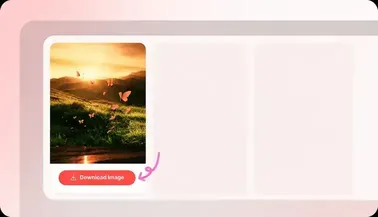


How board download works
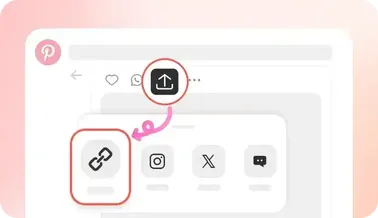
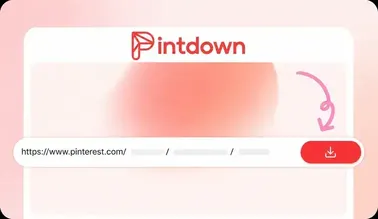
Open a public board on Pinterest and copy its URL. Paste it into pintdown.site/board and fetch the board. Select all pins or only the ones you want, then download a ZIP that includes the selected media files.
Images, videos, and GIFs together
Boards often mix photos, video pins, and animated GIFs. Selected items keep their media type in the ZIP whenever the source URL loads successfully. For a single pin with quality choices, use the video, image, or GIF tools instead.
Public boards only
Secret or private boards cannot be resolved without a Pinterest login, and PintDown never asks for your password. If a board fails to load, confirm it is public and that the URL includes the username and board name.
Tips for cleaner ZIP files
Deselect broken thumbnails before zipping, keep the tab open on large boards, and prefer full board URLs over shortened share text. When one pin fails inside the archive, download that pin alone from the matching single-pin tool.
Related guides
Full walkthrough for board ZIP downloads and limits: